
Google Analytics + Search Console, made simple
Know how your website is doing, in seconds.
Statblaze connects to Google Analytics and Search Console and explains what changed and why, in plain English. No report building. No jargon.
Free plan for one website. Paid plans start with a 14-day free trial, no card needed.
What makes it different
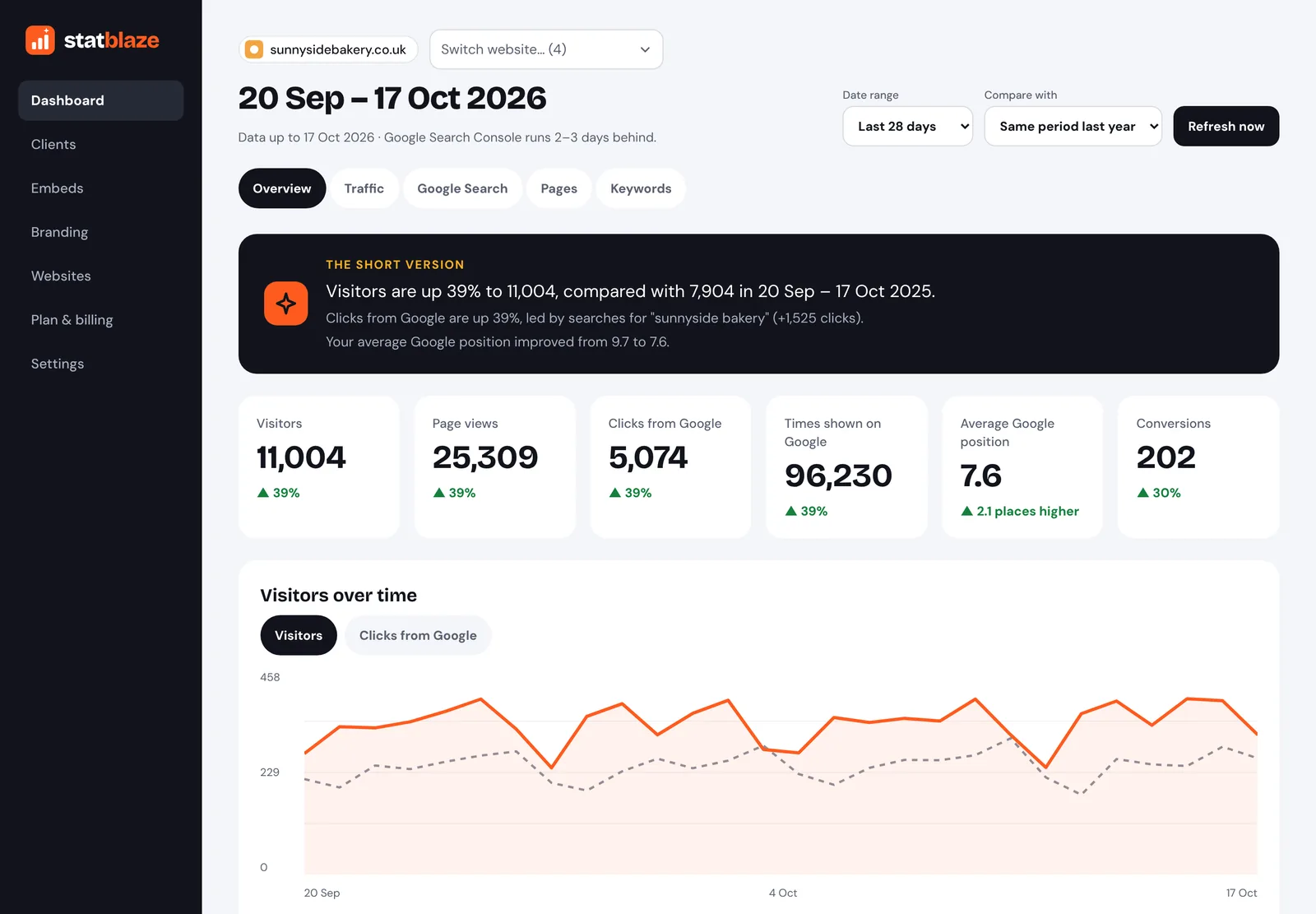
A summary you can read over coffee.
Every dashboard opens with two or three sentences on what changed and why. Then the numbers that matter, each with a clear green ▲ or red ▼ against the period you compare with.
No setting up reports, no filters to learn, no exporting to spreadsheets.
Last 28 days · compared with the previous 28 days
- Visitors are up 18% on the previous 28 days, mostly from Google searches.
- Your guide to garden rooms brought in the most new visitors.
- “Garden room prices” now shows you on page one, but few people click. A better title could help.
Example summary for a sample website.
Everything in one place
Google Analytics and Search Console, side by side.
Statblaze puts your visitors and your Google search performance on one clean dashboard, so you can see the whole story without switching tools.
Plain-English summary
What changed this period and why, in two or three sentences.
The numbers that matter
Visitors, views, clicks, impressions and Google position, with changes in green and red.
Where visitors come from
Google, direct, social, referral and email, plus new vs returning visitors, devices and countries.
What people search for
Your top Google searches by clicks and by impressions, and how your position is moving.
Opportunities
Pages and searches that Google shows often but few people click: your quickest wins.
Keyword watchlist
Pick searches you care about and track their Google position, clicks and trend.
Set up in about two minutes.
1
Sign in with Google
Use the Google account that has access to your Analytics and Search Console. Statblaze only ever asks for read-only access.
2
Pick your website
Choose your Google Analytics property. Statblaze finds the matching Search Console property for you.
3
Read your dashboard
Statblaze fetches your history and keeps it fresh: daily on paid plans, weekly on Free.
For agencies
Client reporting without the busywork.
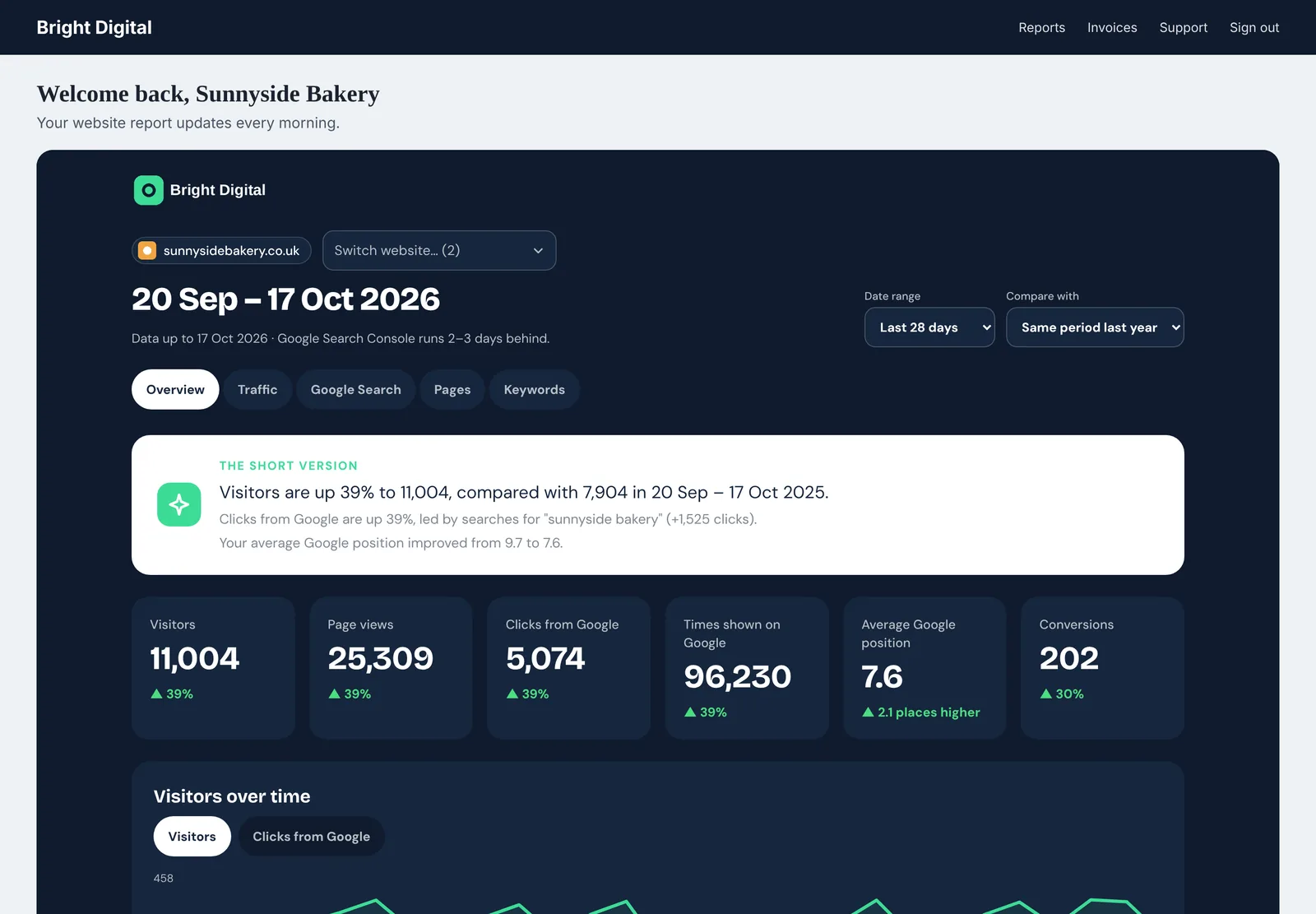
Organise websites by client, switch between them in one click, and embed branded, always-up-to-date reports in your own client portal.
- Clients as folders, with a dashboard each
- Embeds locked to your domain, with expiry and revoke
- Your logo and colours, with a readability check
Read-only, and private by default.
Statblaze can never change anything in your Google accounts. Your data is never sold or used for advertising.
Read-only access
We only ask Google for permission to read your reports.
Encrypted
Google access tokens are encrypted before they’re stored.
Yours to delete
Delete your account and everything goes, including our Google access.
Questions
Is there really a free plan?
Yes. One website, the overview dashboard and plain-English summary, updated weekly, with 6 months of history. No card needed, no time limit.
Do I need a card for the free trial?
No. Paid plans start with a 14-day free trial without a card. If you don’t subscribe, you move to the Free plan.
What access does Statblaze need?
Read-only access to Google Analytics and Google Search Console. Statblaze can’t change your settings or data.
How up to date is the data?
Paid plans refresh every day; Free refreshes weekly. Google Search Console itself runs 2 to 3 days behind, and every dashboard shows the date its data runs to.
Can I cancel any time?
Yes, in Plan & billing. You keep your plan until the end of the period you’ve paid for, then move to Free.
Do you add VAT?
Not at the moment. Statblaze isn’t VAT registered, so the price you see is the price you pay.
See your website clearly.
Start free in two minutes. Upgrade when you want the full picture.